> For the complete documentation index, see [llms.txt](https://spacecore.gitbook.io/wiki/llms.txt). Markdown versions of documentation pages are available by appending `.md` to page URLs; this page is available as [Markdown](https://spacecore.gitbook.io/wiki/en/personal-account/client-section.md).
# «Customer» section
{% hint style="danger" %}
### This content is outdated
**The knowledge base has moved →** [**https://wiki.spacecore.pro/**](https://wiki.spacecore.pro/)
This wiki is no longer updated. All current guides and articles are at the new address.
{% endhint %}
{% content-ref url="" %}
{% endcontent-ref %}
***
## Customer Profile
In this section, you can change the password for your personal account and add a mobile phone number. Currently, we do not send SMS notifications, so the phone number will serve only as visual information.
{% hint style="info" %}
Please note that changing the password in this section will only affect your personal account. It will not change your password for other SpaceCore services.
{% endhint %}
## Payers
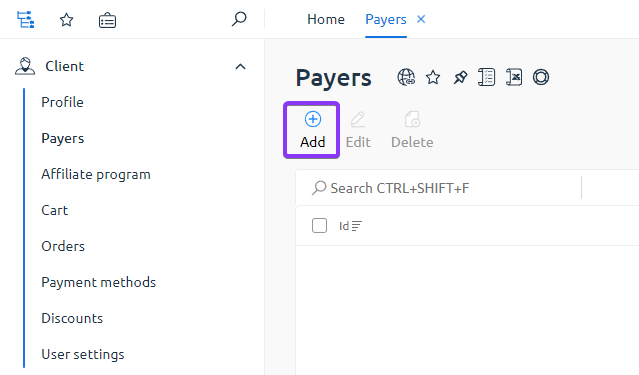
If you need to add a user who will be able to pay for your services, you can use this section.
After using the "Create" button, you must enter the contact details of the new user. If an account with the given Email has not been registered yet, the user should follow the standard registration process. After adding a payer, the involved user will receive a notification at their email address.
{% hint style="info" %}
Payers do not have direct access to your services (such as deletion, password, reboot).
{% endhint %}
## Referral Program
Here, you can obtain a link, which, upon registration, will make the user your referral. If the registration has already been completed without using the link, you can ask the client to specify your "Promo Code" when ordering a service, thus applying the referral program.
In the "Income" and "Statistics" sections, you can view information about the income from each order and a list of referral clients you have brought in, respectively.
{% hint style="info" %}
The standard income from the referral program is 7% of each order.
{% endhint %}
## Cart
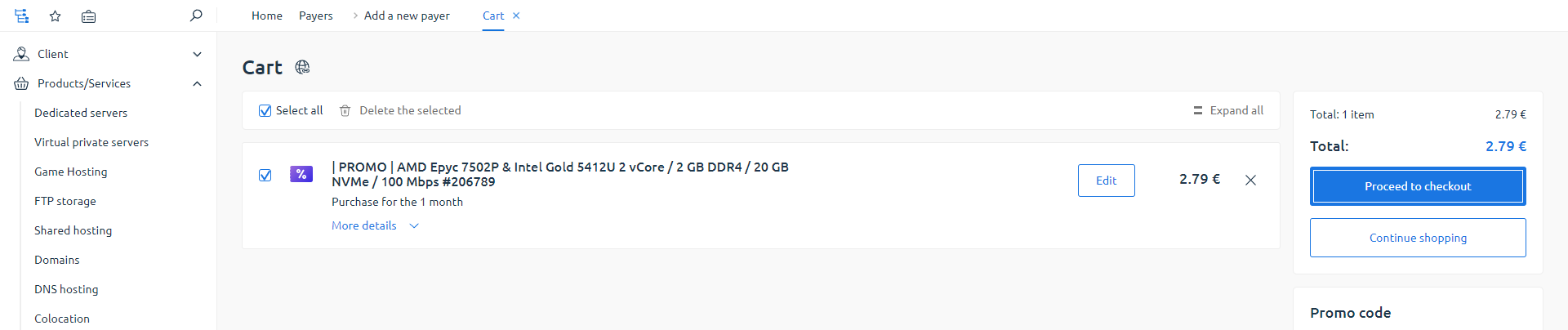
This is where all the servers you have selected and are awaiting payment are displayed. On this page, you can apply a promo code, if available, and pay for all orders at once.
## Orders
In the list, you can see the status of the services you have ordered and paid for.
## Discounts
Here, all the current discount promotions available to you are displayed. Note that all rates are varied and may be located in different locations.
## User Settings
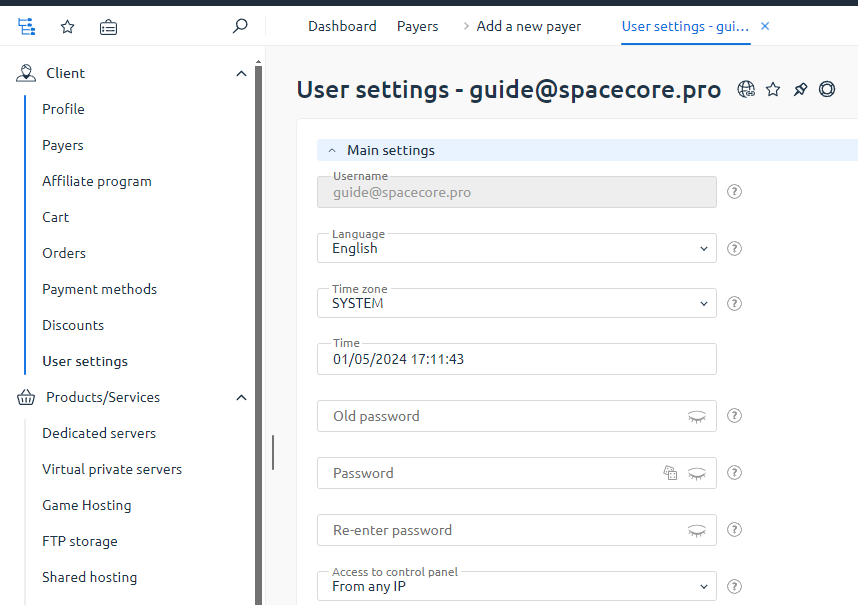
You can perform additional customization of your account and the interface of your personal account in this section.
### Main Features
* Linking access to an IP address helps enhance the security of your account. This feature should be used only if you have a static IP address.
* Choosing the start page you will land on after logging into your personal account.
* Other cosmetic settings.
* Linking services (VKontakte, Facebook, Google) for quick access to your account.
* Two-step authentication via Google Authenticator.
* Налаштування сповіщень через Telegram.
* Налаштування аватара облікового запису.